 ASTRUM
 Sass Tax
Chore chart for teens: a weekly template you can edit
Download a free editable chore chart for teens, agree on responsibilities and review days, and adapt the weekly plan together.
A useful chore chart for teens answers four questions: What is my responsibility? What counts as done? When is it due? Who reviews it? Our weekly template gives you space to agree on those details before anyone starts ticking boxes.
Get the free weekly chart
- Download the editable weekly chore chart (PDF). Type into the fields and tick boxes in a compatible PDF reader, or print a blank copy.
- Download the spreadsheet version (CSV). Open it in Excel, Numbers, or Google Sheets and adjust the columns for your household.
No account, email address, or app is needed. This is an original Astrum Computing worksheet. Save your own copy after editing; changes are not sent back to this website. If you import the CSV into an online spreadsheet service, that service handles your copy.
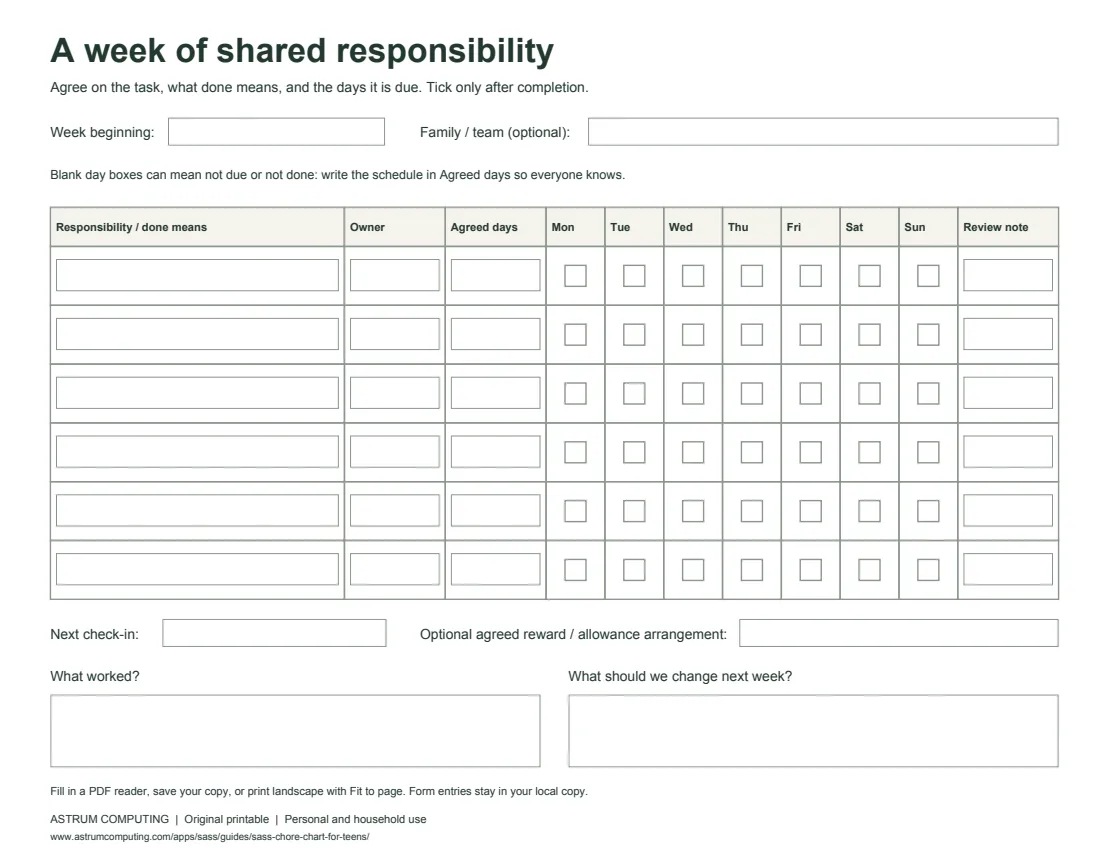
Six responsibility rows, a weekly check-in, and space to agree on changes. Open the PDF to fill it in or print.
Set up a first week together
Treat this as a starter plan you can adapt, rather than a rule about how much every teenager should do.
- Pick a manageable set of responsibilities. Choose tasks that suit the teen’s skills, access needs, and schedule. Include the adults’ responsibilities in the conversation so the household plan is clear.
- Write the finish line. Replace “clean up” with something observable, such as “put dishes in the dishwasher and wipe the table.” Demonstrate unfamiliar steps before expecting independent completion.
- Assign an owner and agreed days. A weekly task does not need seven daily ticks. Write “Saturday” in the schedule column so a blank Monday box is not mistaken for missed work.
- Decide how review works. Agree whether the teen marks completion first and an adult checks later, or whether you review together.
- Choose a check-in date. Use the bottom of the sheet to note what worked and what to change for the next week.
For broader context, the American Academy of Pediatrics’ Household Chores for Teens discusses household contribution, practical skills, and balancing responsibilities. Our worksheet and the examples below are our own planning suggestions, not an AAP-endorsed program.
Three examples of a clear responsibility
After-dinner reset
- Done means: dishes put away or loaded, table wiped, and the work area left ready to use.
- Owner: the person named in your household plan.
- Agreed days: Tuesday and Thursday after dinner.
- Review: a quick check together before the evening activity.
Laundry reset
- Done means: the agreed load is washed, dried, and put away, following instructions the teen has learned.
- Agreed days: Saturday, with a time that fits the family’s use of the machine.
- Review: confirm the full task is finished, rather than counting a load left in the washer as complete.
Shared-space reset
- Done means: the agreed items are returned to their places in one named room.
- Agreed days: Monday, Wednesday, and Friday.
- Review: check only the agreed area, rather than adding new jobs at the end.
Choose safe tasks and provide the instruction or supervision your household needs. You can replace every example; the blank template does not prescribe a fixed chore list.
Decide on rewards or allowances before the week starts
The chart does not require payment or deductions. If your household connects some responsibilities to a reward or allowance, write down the arrangement before starting. Make it clear which contributions are shared household responsibilities and which have an optional agreed reward.
If the plan needs changing, use the check-in to agree on next week’s version. The review fields give you room to record a practical adjustment, such as a different day or a clearer definition of done.
When an app fits better than a sheet
Sass Tax is a parent-led app for families with teens age 13+. Its current App Store listing describes recurring tasks, completion review, rewards, allowances, and personal or shared goals. Encouragement focuses on positive progress; other modes add agreed accountability or virtual practice money. No real funds are transferred through the virtual family ledger.
You can use the worksheet to agree on the plan, then enter your chosen tasks in the app. The PDF does not import or sync automatically with Sass. Keep the paper version if that is all your household needs.