 ASTRUM
 Make room
Phone Doctor
Make room for what matters.
Review duplicate photos, similar images, videos, and contacts before deciding what to keep.
View on the App StoreSee the App Store for current features, compatibility, and purchase details.
GET TO KNOW THE APP
What you can do with Phone Doctor.
Phone Doctor helps you work through the clutter in your photo library and contacts. Start with a review, keep the things you care about, and choose what to remove.
Review photo clutter
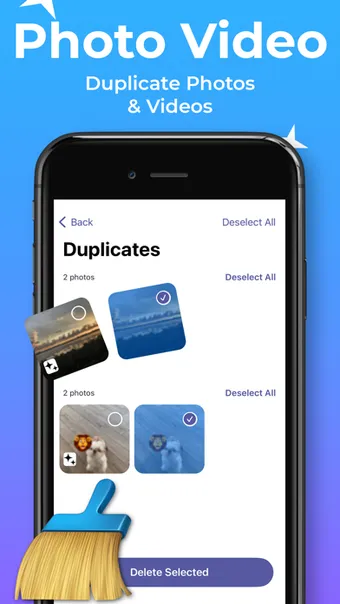
Find duplicate and similar photos and review your selection before removing items.
Look through videos
Review videos in your library when you need to make room for something new.
Organize contacts
Find duplicate or incomplete contacts and back up contacts before making changes.
PRACTICAL HELP
Phone Doctor guides.
- How to free up iPhone storage without losing the photos you want
Start with iPhone Storage, review unwanted photos and videos carefully, and understand iCloud syncing before you remove anything.
Good to know.
Will this increase my iPhone’s physical storage?
No. Removing files you no longer need can free existing storage; it does not change the capacity of your device.
Where should I start?
Review iPhone Storage in Settings, then choose a category to work through. Our storage guide explains the process.